Integrate Trustoo Star Ratings/Review Widget with EComposer
Initial Setup
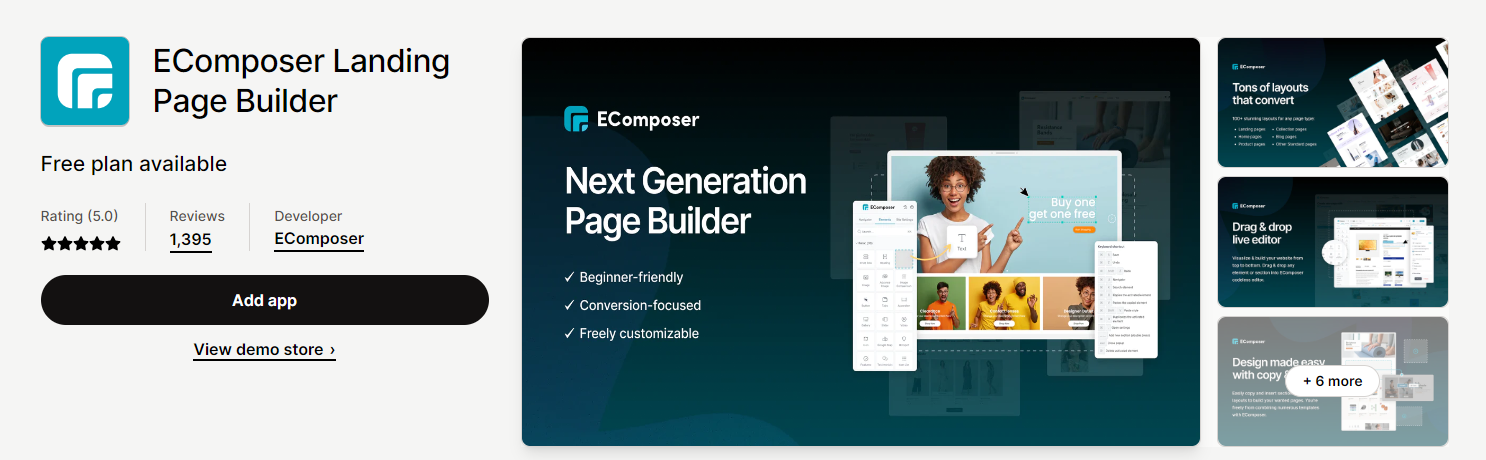
Installation Methods
Option 1: Extension Icon
- Click the Extension icon at the top left corner
Option 2: Add More
- Go to the Extension tab
- Click Add more

Installing TT Star Ratings/Review Widget
- Search for TT – Star Ratings/ Review Widget extension
- Click the "Install now" button

Adding Widget to EComposer
Step-by-Step Process
- Go to Extension
- Find TT – Star Ratings/ Review Widget extension
- Drag and Drop the extension to desired location
- Click Save
- Click Save & Publish
- Use the "View" button to see the review form
Showing Ratings in Other Sections
Additional Configuration
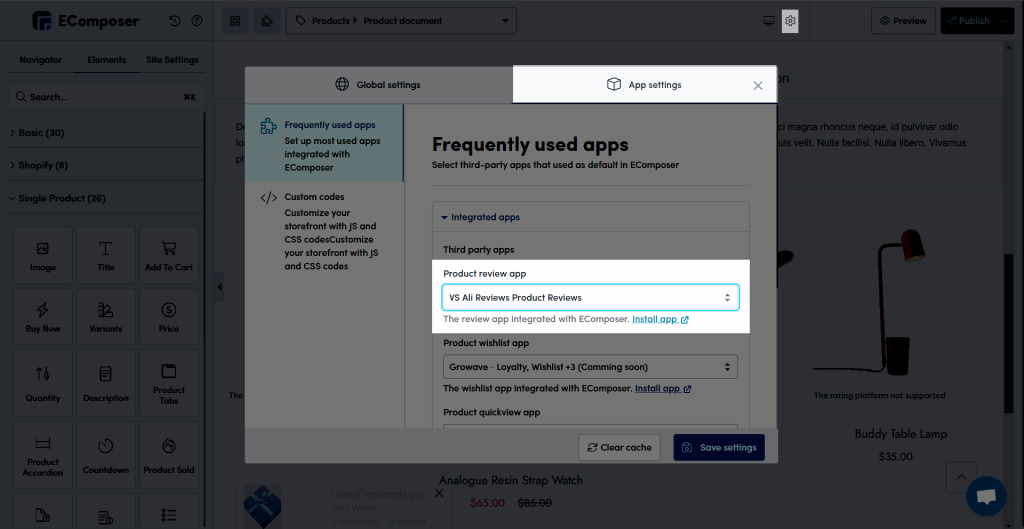
- Go to Product Review Tab
- Choose TT Ali Reviews Product Reviews
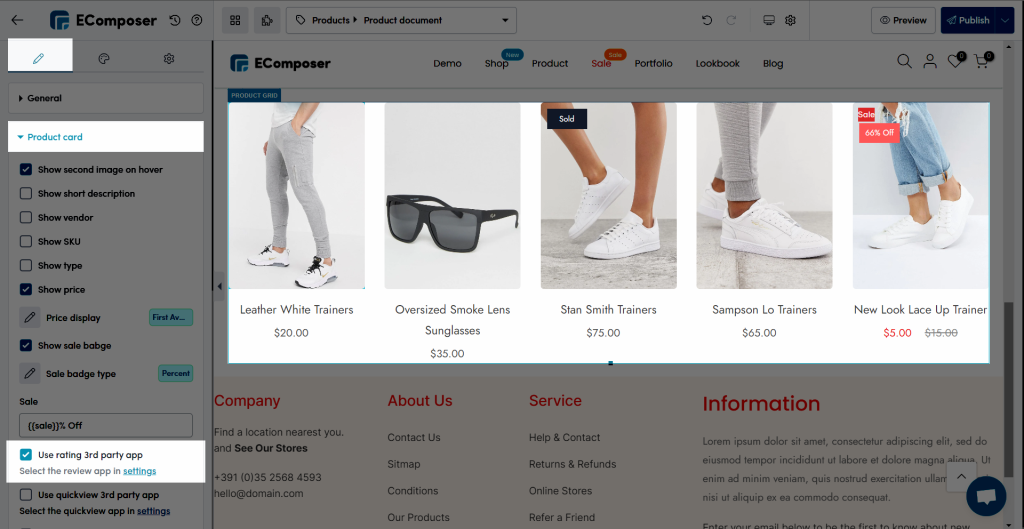
- Tick Use rating for 3rd party app
Product Grid and Related Products Configuration
Result
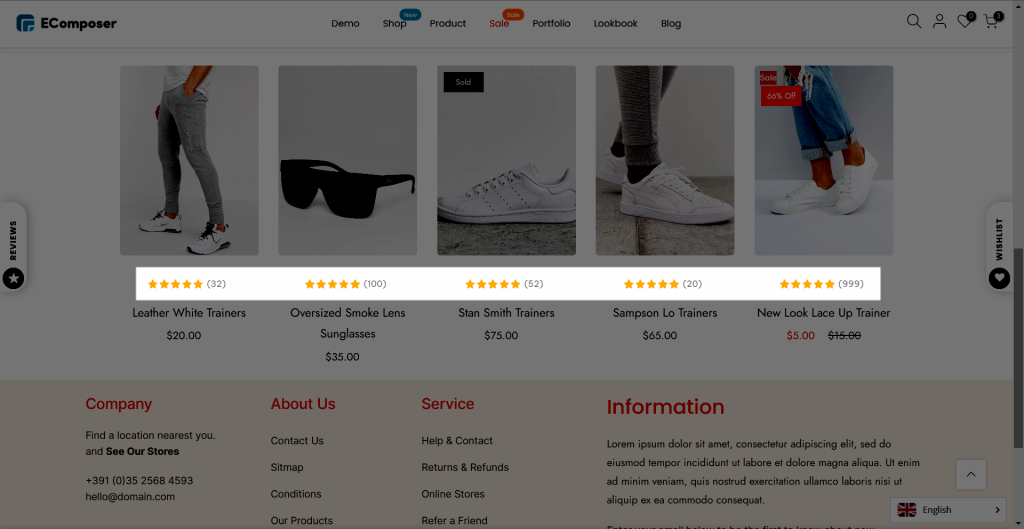
- Ratings will be displayed on the live page
- Visible in product grid and related products sections
Best Practices
- Carefully position the widget
- Test configurations thoroughly
- Verify display across different page types
- Ensure smooth integration with existing design
Troubleshooting
- Check extension compatibility
- Verify Shopify and EComposer versions
- Contact support if issues persist
Support
For additional assistance, reach out to EComposer or Trustoo.io support teams.