Trustoo Chrome Extension Installation Guide
Overview
The Trustoo Chrome Extension allows you to easily import product reviews from popular marketplaces directly to your Shopify store.
Installation Steps
1. Install Chrome Extension
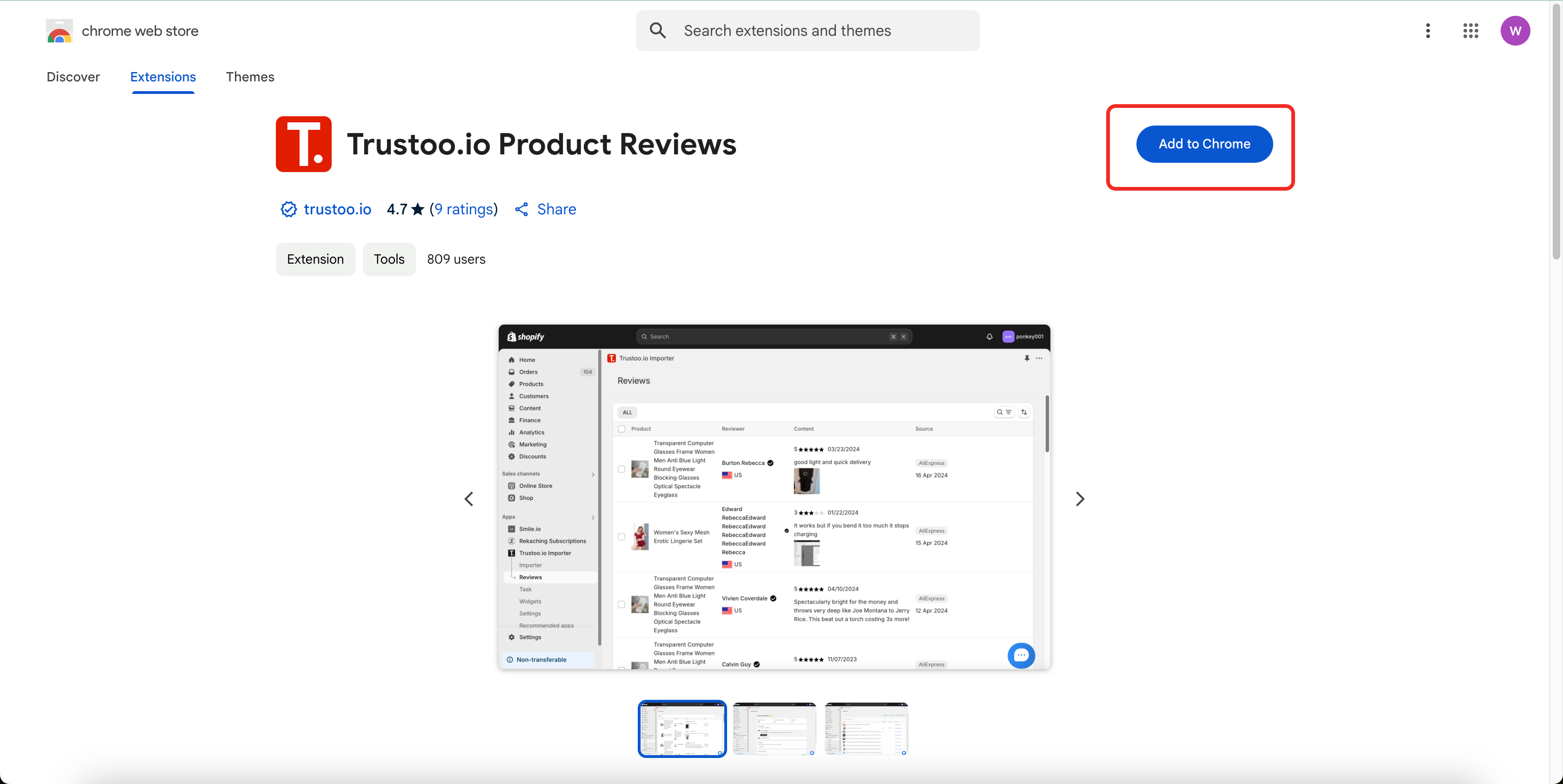
- Visit the Chrome Web Store
- Click "Add to Chrome" to install the Trustoo Extension
2. Complete Installation
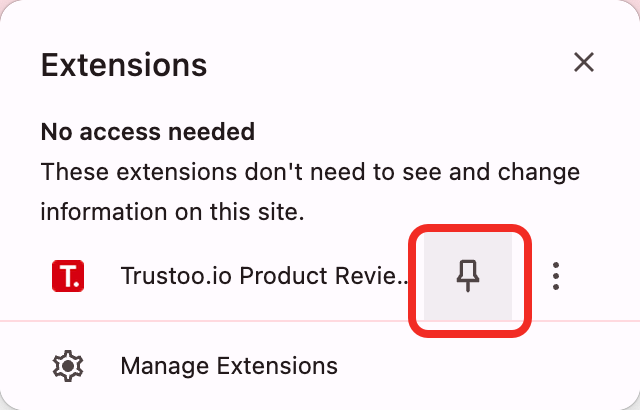
- Confirm the installation when prompted
- Trustoo icon will appear in your browser extensions area
3. Connect to Shopify Store
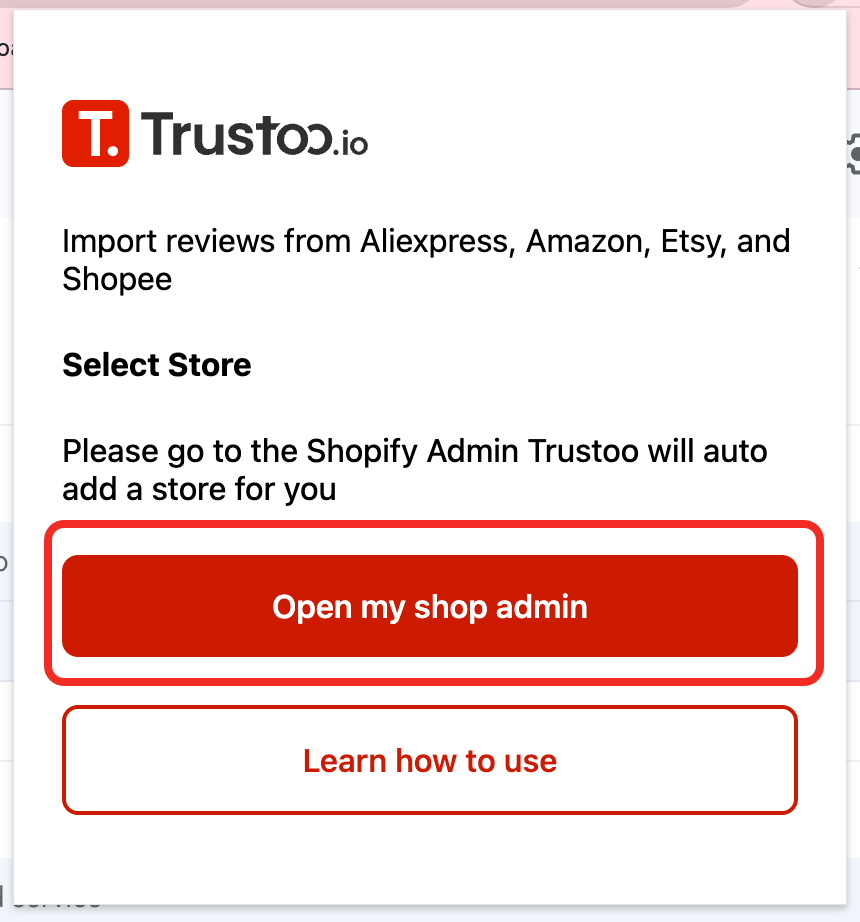
- Refresh your browser or log in to Shopify admin
- Access the Trustoo Ali Import reviews app: https://admin.shopify.com/apps/tt-reviewimport
- Authorize the extension to access your store if prompted
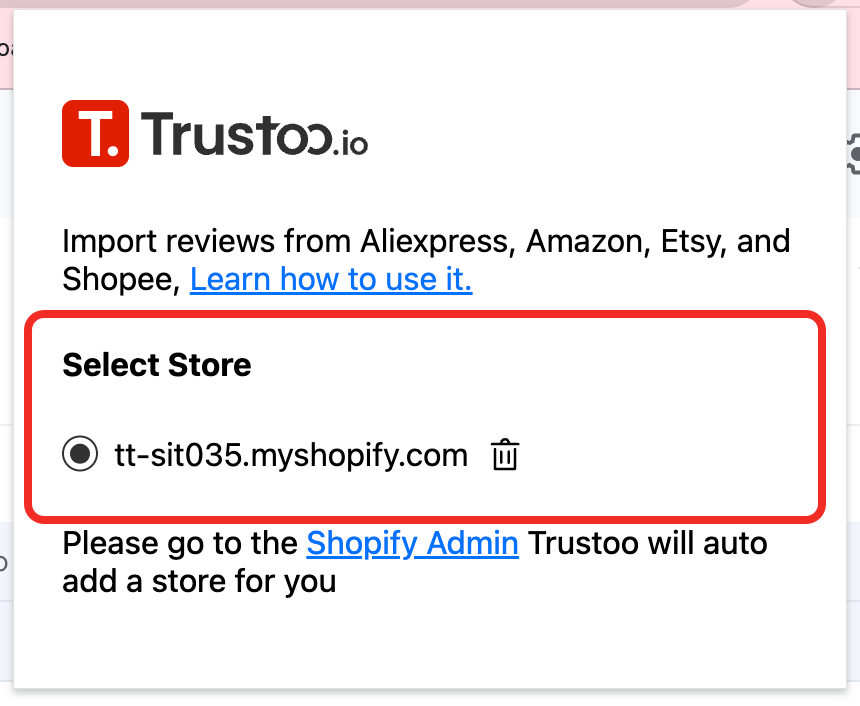
4. Switch Stores (if needed)
5. Final Setup
- The extension is now ready to use for importing reviews
Troubleshooting
Common Issues
- Extension icon not appearing
- Try disabling and re-enabling the extension
- Connection problems
- Ensure you're logged into your Shopify store
- Clear browser cache
- Persistent issues
- Contact Trustoo support for assistance
Next Steps
Now that you've installed and connected the Trustoo Extension, you can import reviews from marketplaces like Shopee and Etsy.
Best Practices
- Keep the extension updated
- Regularly check for new features
- Verify imported reviews for accuracy
Support
For additional help or questions, reach out to Trustoo support team.